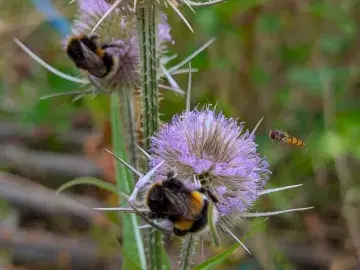
Image
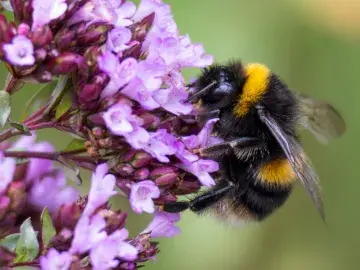
This page contains specific tips to help you and your learners get the most out of the Pollinator Count.
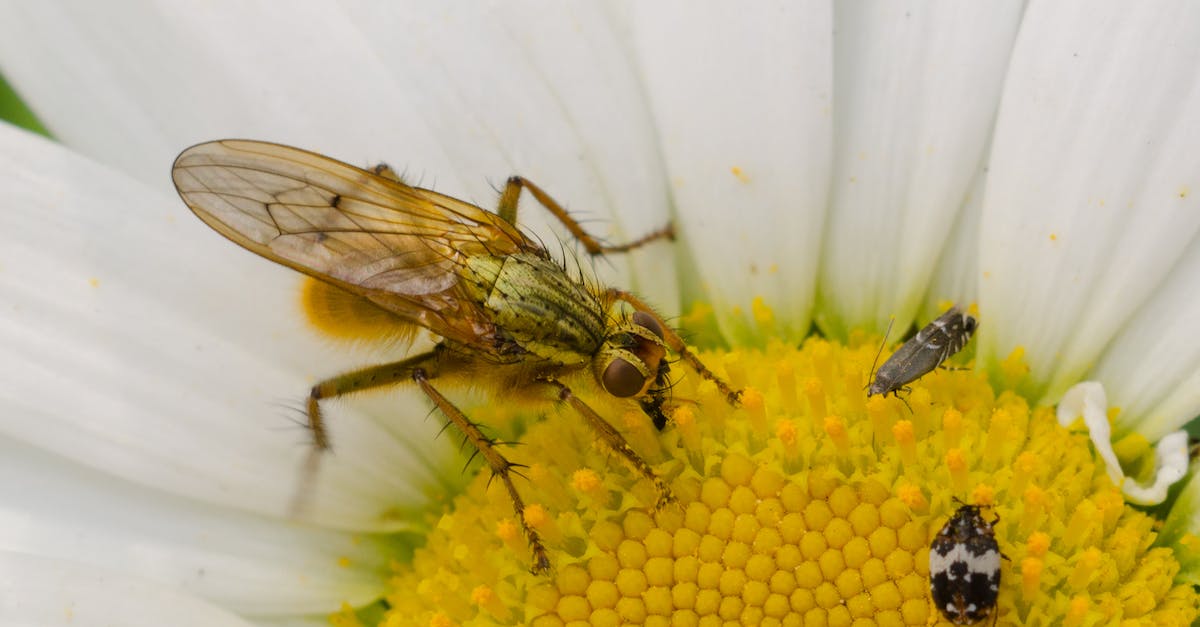
For the Pollinator Count, quadrats need to be placed over plants that are in flower. A maximum of three young people should be watching each quadrat, so you will need enough flower patches for your group to spread out.
Take three photos for the count. Make sure photos are in focus. Put your hand or a sheet of paper behind to help the plant stand out and the camera to focus on:
| 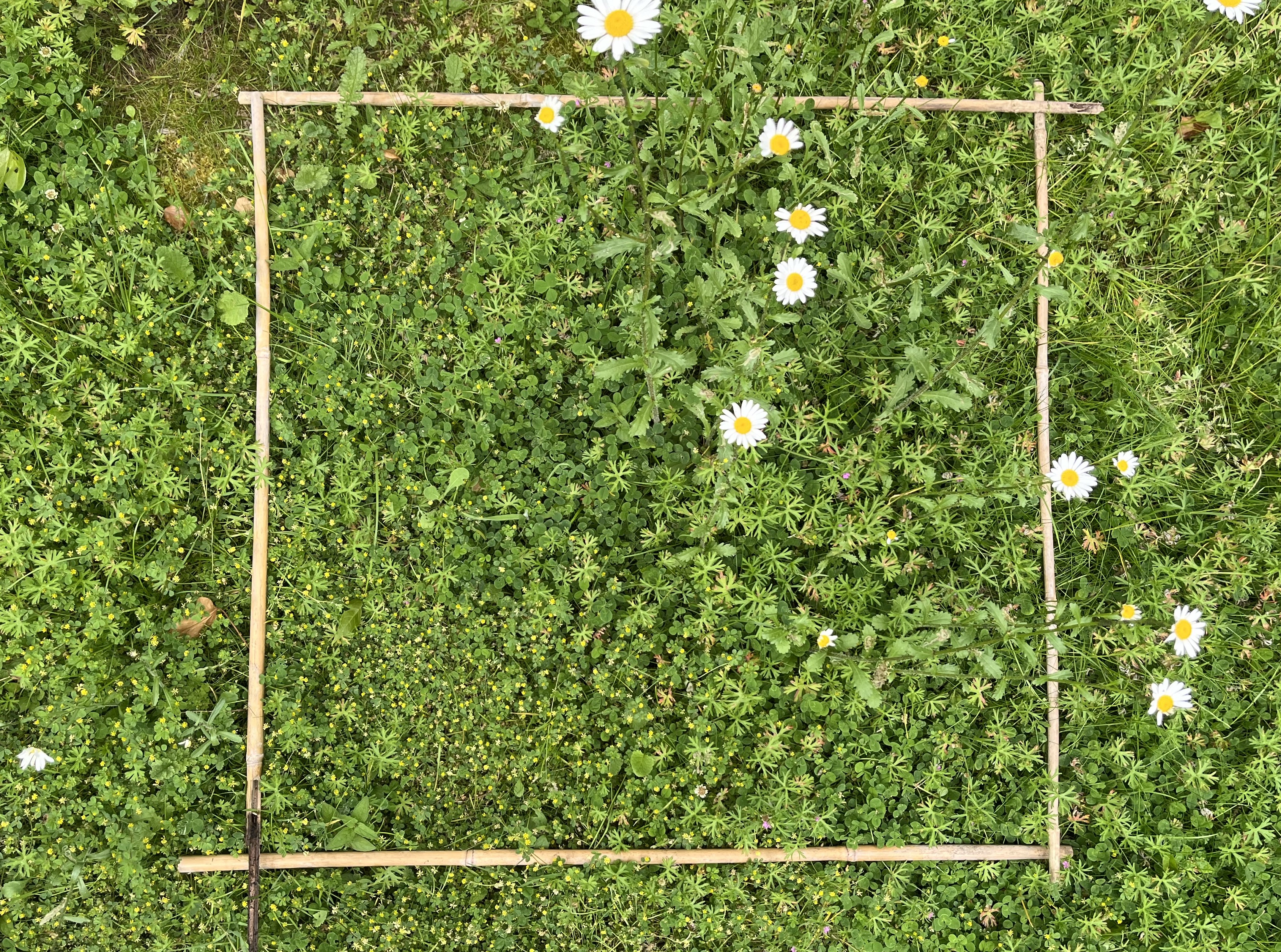 |
| 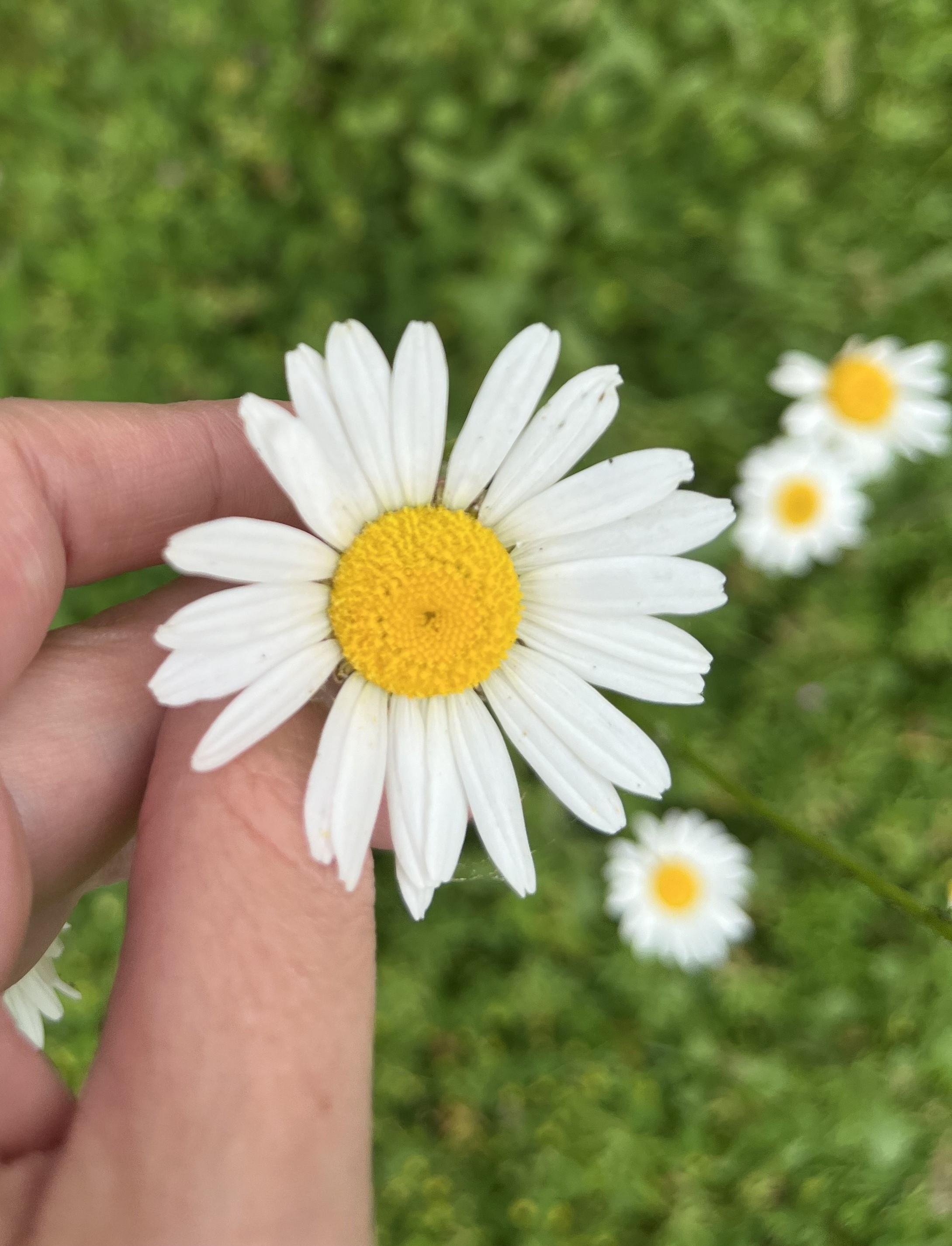 |
| 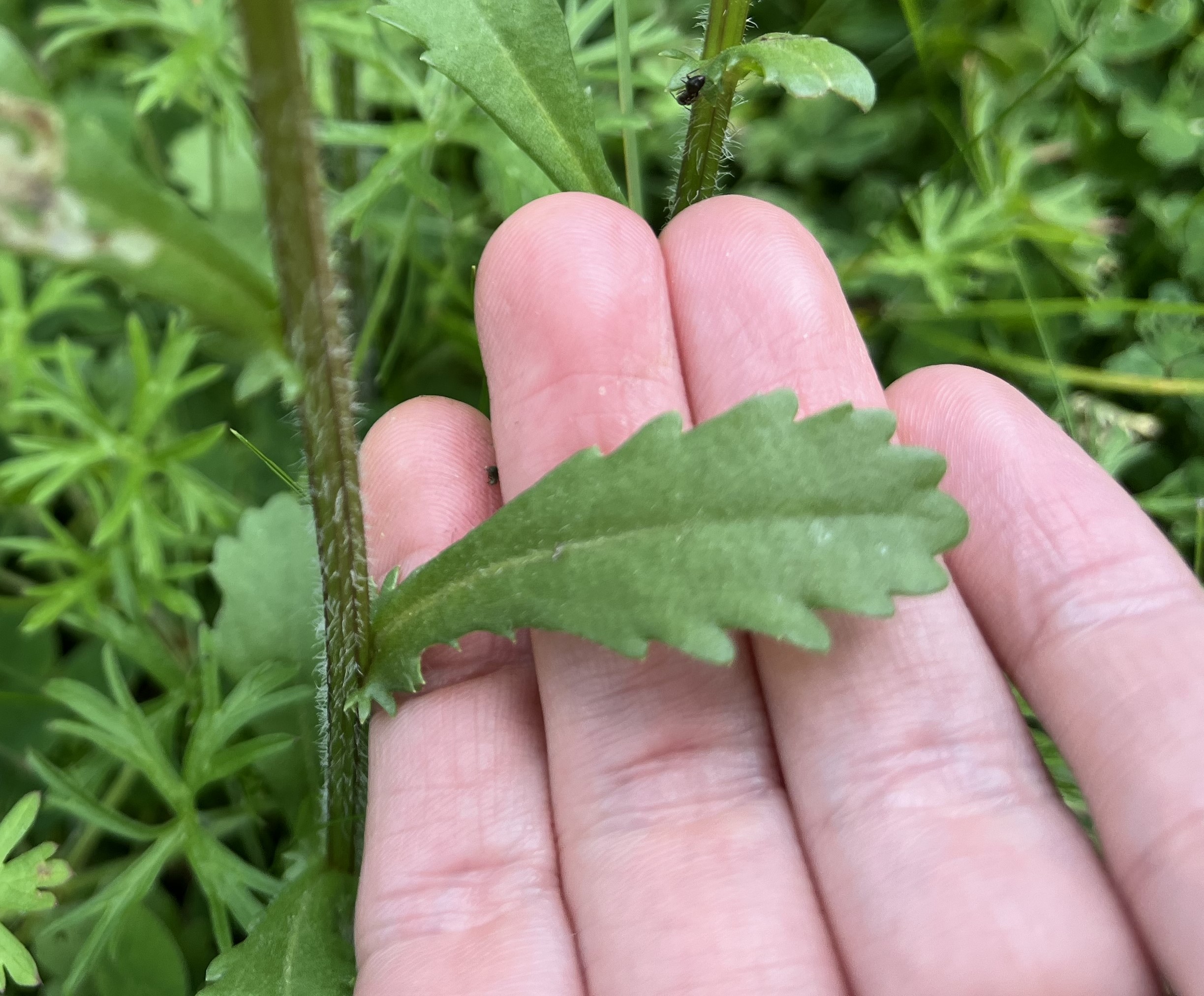 |
If you’re doing the paper-based version of the survey, take these photos on a digital camera.
Identifying your chosen flower:
A common name e.g. rose or daisy is fine, but a scientific name is even better. We know plant identification isn’t always easy – just do your best! We recommend using iNaturalist which has built-in image recognition. Encourage young people to carefully check if they agree with the suggestion from the app. To learn more about iNaturalist see our dedicated page on it.
Count how many flower heads the chosen flower has:
Choose which shape is closest to your flower, each image one counts as one flower.

We know insect identification is new for many young people, so we’ve included an Insect Identification Challenge to understand how accurately they can identify insects. On a mobile device, the challenge appears at the end of the Pollinator Count. Young people are asked to look for insects similar to the ones they saw during the count, take close-up, in- focus photos showing the whole insect, and identify them to the same broad groups. How long they spend is up to you, depending on your available time. If you’re using the paper version, they’ll instead identify the insect groups in six example photos provided on the form.
In both cases, it’s important that young people complete the challenge on their own, a bit like an end of a term assessment. This helps us understand where mistakes are common, improve our resources, and ensure our scientific analysis takes accuracy into account.