Image
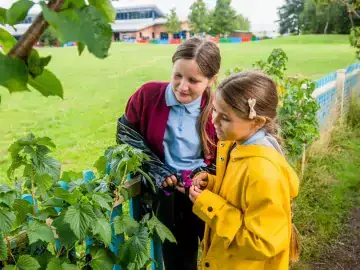
Mapping the habitats on your site is one of the first steps to make a difference to your space – whether it's already buzzing with life or a little greyer than you would like. The habitats you identify on your site will support real-world, global biodiversity research.
For Early Years settings, habitat mapping isn't required as part of your Nature Park journey. However, you may wish to complete this process as a member of staff to learn more about what opportunities are present in your outdoor space before making improvements.
This guide will walk you through the process of mapping the habitats on your site, and ways to involve younger learners as you go.
Your site likely includes several different types and sizes of habitat – you may need to map all eight different habitat categories, or you may only have two or three.
Use the checklist below to tick off which habitat types you have on site before you prepare to map them using our online tool.
Below are suggestions of Nature Park activities to engage younger learners in the process of exploring and getting to know their space and learning about homes for wildlife.

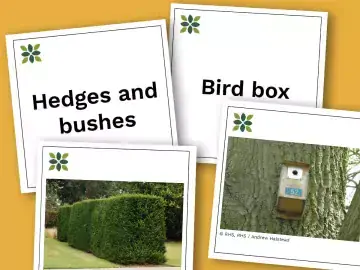
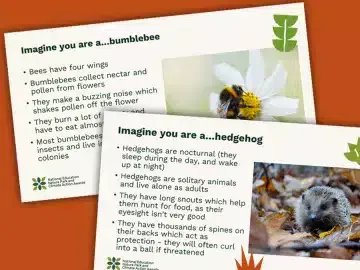
Open Habitat Mapper toolTroubleshooting guide
You can find more support on using the Habitat Mapper tool by accessing our digital tools how-to guide, or watching our webinar.
Once you feel confident using the tool, you're ready to map your habitats! Below are quick links to each of the eight habitat mapping activities. These resources have been made for KS1+, but they are still useful for adults to help you identify each of your habitat types. Use the Habitat Mapper tool to add each habitat as an area or point to your site’s map – you only need to map the habitat categories that you have identified as being present in your checklist.
Ground without plantsGrass and wildflowersWater
Once you've added all of your habitats to your site’s map, you'll have a greater understanding of your starting point and the opportunities for improvement on your site. Having this baseline map will also enable you to measure the progress you've made as you make improvements to your site and start recording what wildlife you find there.
Now that you know what habitats are on your doorstep, why not encourage children to learn more about them with these related activities?